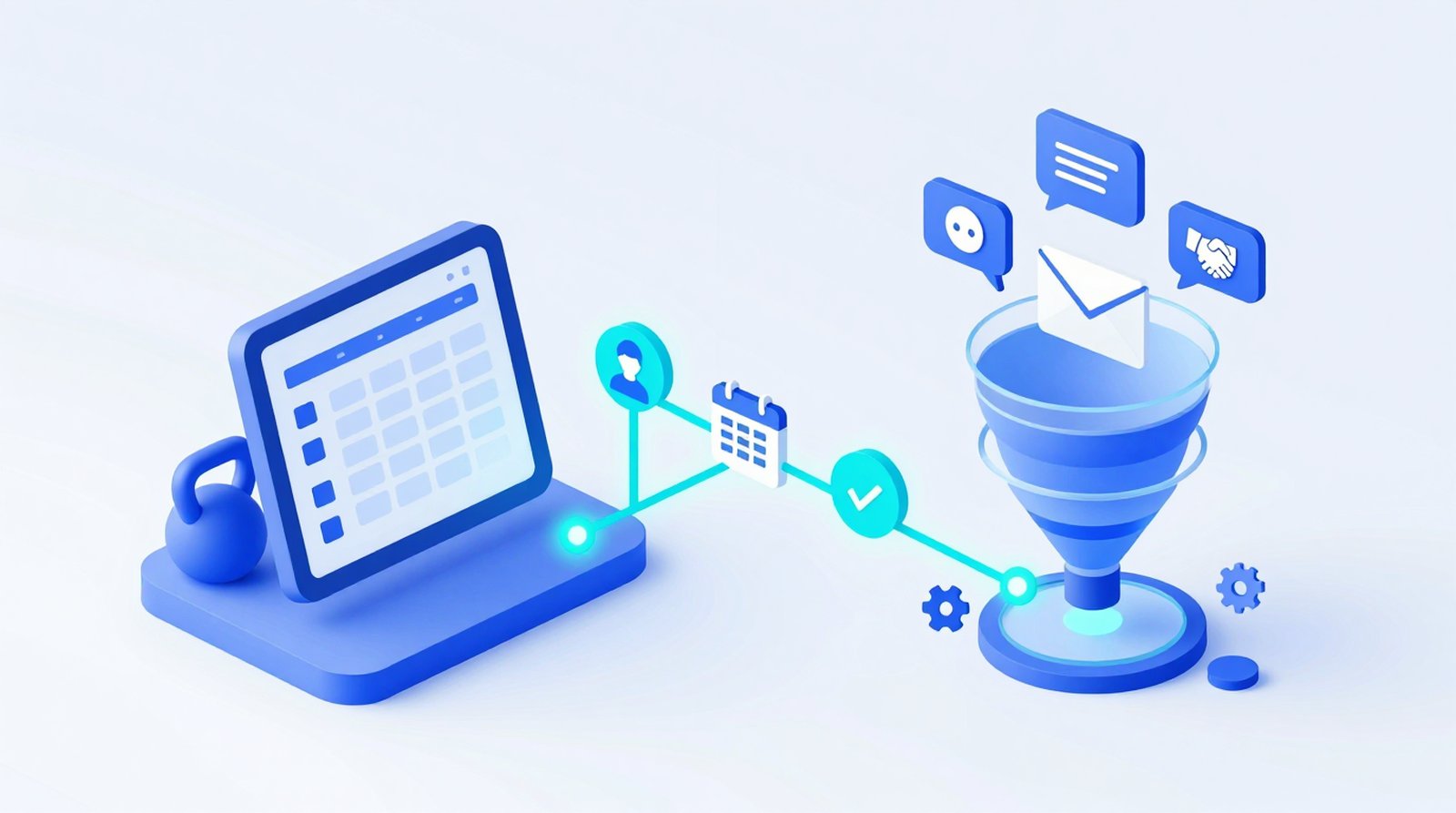
Lead Integration: HighLevel, GymPilot and Webhooks
Contents
- What it does
- The moments BoxPlanner sends
- Set it up in four steps
- Example workflows
- Without HighLevel: webhooks
- Data protection
- FAQ
What it does
Many boxes run their sales funnel in a marketing CRM - mostly HighLevel (GoHighLevel) or a white-label version of it such as GymPilot. The CRM sends the follow-ups: the reminder before the trial class, the "how was your first session?" message, the offer after the trial, the "we miss you" message after a few quiet weeks.
The CRM can only do that if it knows what happens in your box. With the lead integration, BoxPlanner tells it - automatically, the moment it happens. BoxPlanner stays your system for the schedule, check-ins, contracts and payments; HighLevel runs the follow-ups by email, SMS or WhatsApp, as you set them up there.
The moments BoxPlanner sends
Each moment creates or updates the contact in HighLevel (name, email, phone, language) and adds a tag. Tags the contact already has are kept.
| Phase | Moment | Tag in HighLevel | When exactly |
|---|---|---|---|
| Lead | New lead | boxplanner-lead-registered |
Someone registers, asks to join your box or signs up as a drop-in |
| Lead | First session booked | boxplanner-first-session-booked |
Their first booking at your box (trial class, drop-in or new member) - once per person |
| Lead | First check-in | boxplanner-first-check-in |
Their first attended class at your box |
| Status | Became a member | boxplanner-became-member |
You confirm or promote them, add them as a member, or a contract makes them one |
| Status | Back to drop-in | boxplanner-became-drop-in |
You turn a member back into a drop-in |
| Status | Regular aggregator guest | boxplanner-became-regular-external |
A Wellpass, Urban Sports Club or ClassPass guest for whom you switch off owner notifications |
| Contract | Contract started | boxplanner-contract-started |
Every new contract, with contract name and start date |
| Contract | Contract cancelled | boxplanner-contract-cancelled |
Notice given by the member or the box, with end date |
| Retention | Inactive | boxplanner-member-inactive |
Weekly (Sunday evening): no class for 30 days (Box Management Premium) |
Visits through Wellpass, Urban Sports Club, Wellhub or ClassPass deliberately do not count as a first booking or first check-in.
Set it up in four steps
1. Create a token in HighLevel
In your HighLevel (or GymPilot) sub-account open Settings → Private Integrations → Create new integration, give it a name such as "BoxPlanner" and select the scopes contacts.write and contacts.readonly. Copy the token - HighLevel shows it only once.
If you do not see Private Integrations, ask your agency to allow them for your sub-account.
2. Find your location ID
The location ID is in Settings → Business Profile, and in the address bar of your sub-account: app.gohighlevel.com/v2/location/<location ID>/...
3. Enter both in BoxPlanner
In BoxPlanner open Third Party Integrations → Lead integration (CRM / webhooks), paste the CRM location ID and the CRM API token and save. Only owners of your box can see the token.
4. Send a test event
Click Send test event. You should see "HighLevel ok", and your own contact appears in HighLevel with the tag boxplanner-test. Now build your workflows in HighLevel with the trigger "Contact Tag added" and the tags above.
Example workflows
- Trial follow-up - trigger
boxplanner-first-session-booked: confirmation with what to bring, reminder the day before. - After the first class - trigger
boxplanner-first-check-in: "How was it?" two hours later, coach task, membership offer with a deadline a few days later. - Welcome - trigger
boxplanner-became-member: stop the trial sequence, start onboarding, move the opportunity to "Won". - Win-back - trigger
boxplanner-member-inactiveorboxplanner-contract-cancelled: personal message from the coach, comeback offer. - Regular guests - trigger
boxplanner-became-regular-external: invite your regular Wellpass or Urban Sports Club guests to a membership.
Without HighLevel: webhooks
Not using HighLevel? Enter a webhook URL (https) and a webhook secret in the same section. BoxPlanner then sends every moment as JSON to that address - ready for Zapier, Make or n8n, which pass it on to Mailchimp, Brevo, Pipedrive, Google Sheets, Slack and many more.
Every request carries the header X-BoxPlanner-Signature (HMAC-SHA256 over the request body with your secret), so your receiver can check that it really comes from BoxPlanner. Generate secret creates a random secret for you. You can use HighLevel and a webhook at the same time.
Data protection
You are sending your members' contact data (name, email, phone) to your CRM provider, so you are responsible for that transfer:
- A data processing agreement with your CRM provider - with HighLevel directly, or with your agency if you use a white-label version.
- The transfer to the USA: HighLevel is a US company. Check that its agreement covers the transfer (EU-US Data Privacy Framework or standard contractual clauses; for Switzerland the Swiss-US framework).
- Your privacy notice names the CRM as a recipient.
- Marketing messages by SMS or WhatsApp usually need the person's consent.
BoxPlanner only sends contact data and the moment itself - no health data, no payment or bank details. Nothing is sent until you enter a token or a webhook.
FAQ
Do I need HighLevel to use BoxPlanner?
No. The lead integration is optional. Without it, BoxPlanner works as before.
Does BoxPlanner send SMS or WhatsApp messages itself?
No. BoxPlanner reports what happened; your CRM decides what to send and when.
What happens if HighLevel is down or the token has expired?
The booking, check-in or contract in BoxPlanner is never affected. The event is not delivered, and the error is logged.
Does it work with GymPilot?
Yes, GymPilot runs on HighLevel. Your agency has to allow Private Integrations for your sub-account.
Do members who already exist get sent all at once?
No. BoxPlanner sends moments as they happen from the day you switch it on. Only the weekly inactivity check covers members who are already inactive.