Product Catalog and Product Shop
- The system has now a product, inventory management and products shop
Products
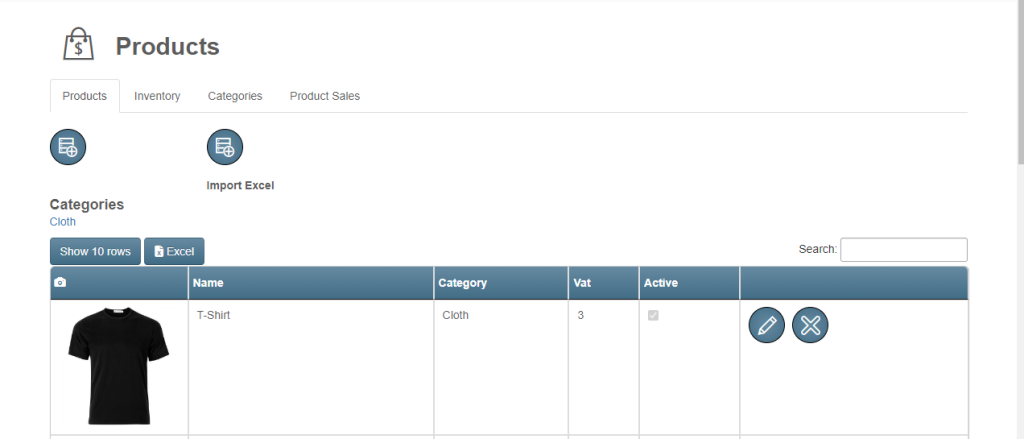
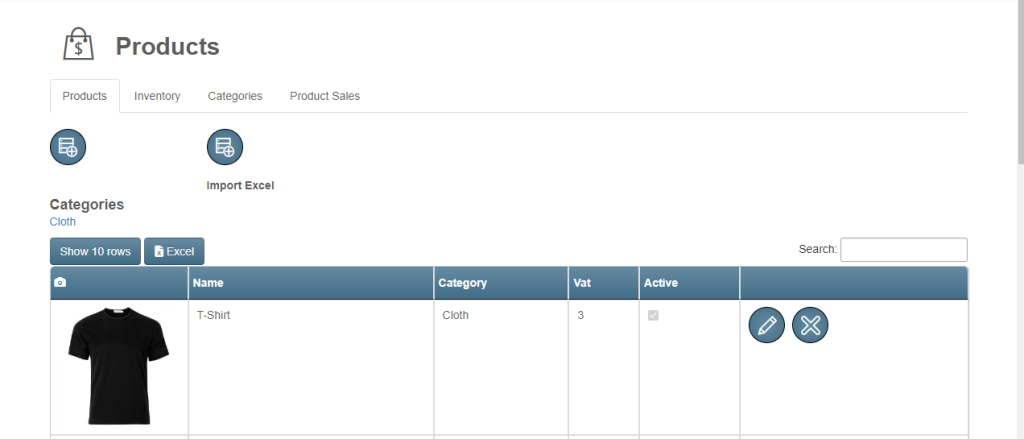
- Owner can check list of all products.
- Import excel to insert multiple products at once.
- Filter product by category.
- Update and Delete products.
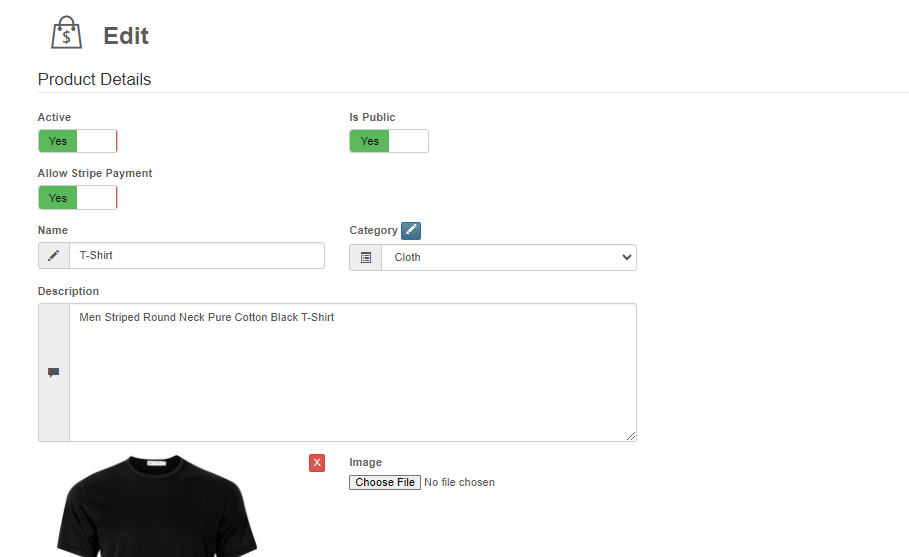
Create / Update Product
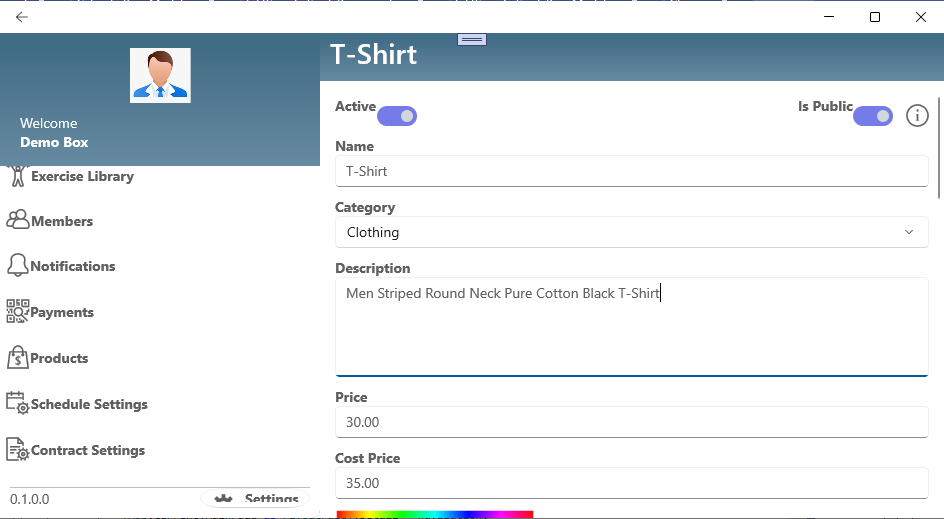
- Fill all required details with product image to create product.
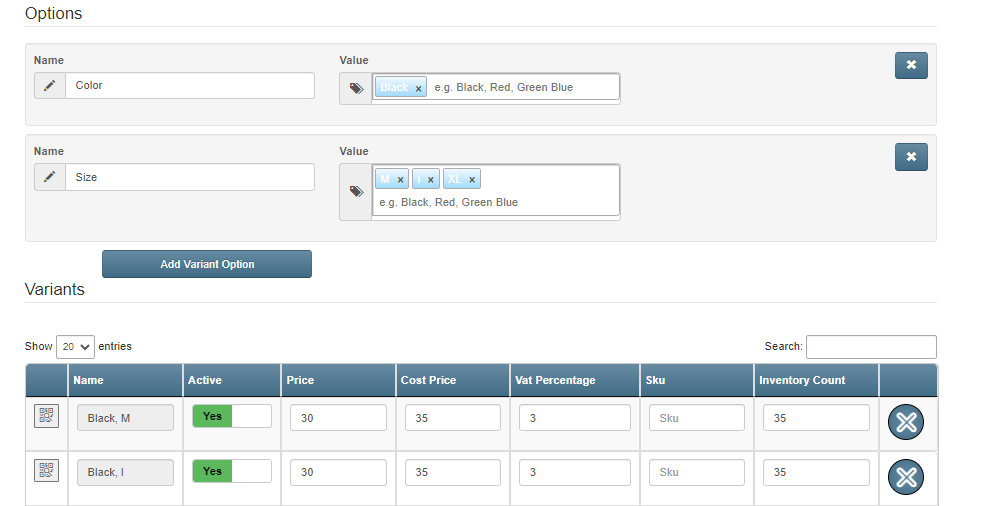
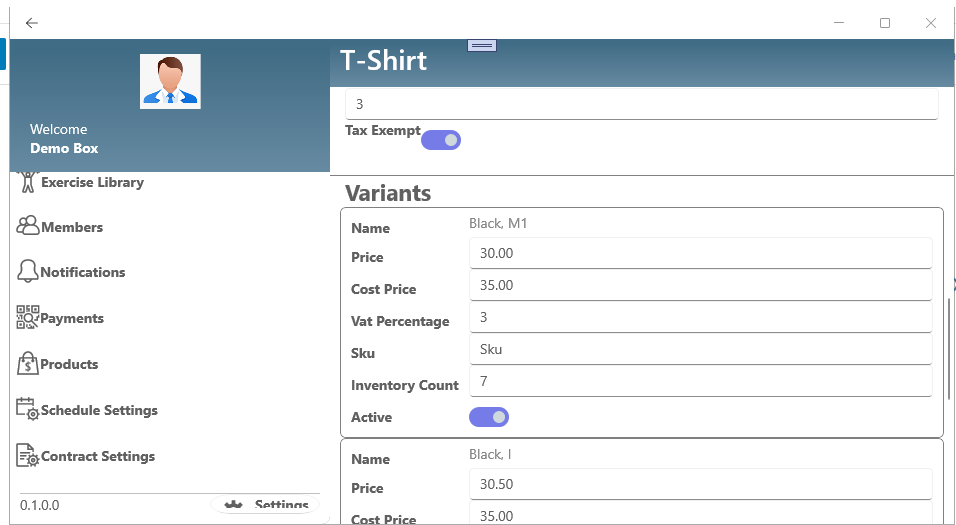
- You can create multiple variants for same product as well.
- You can set if product is visible for all person or only for your box members.
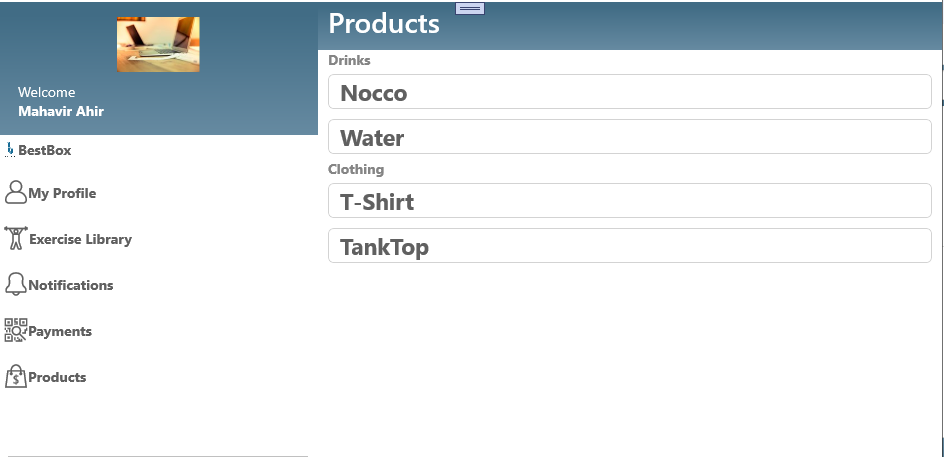
Inventory
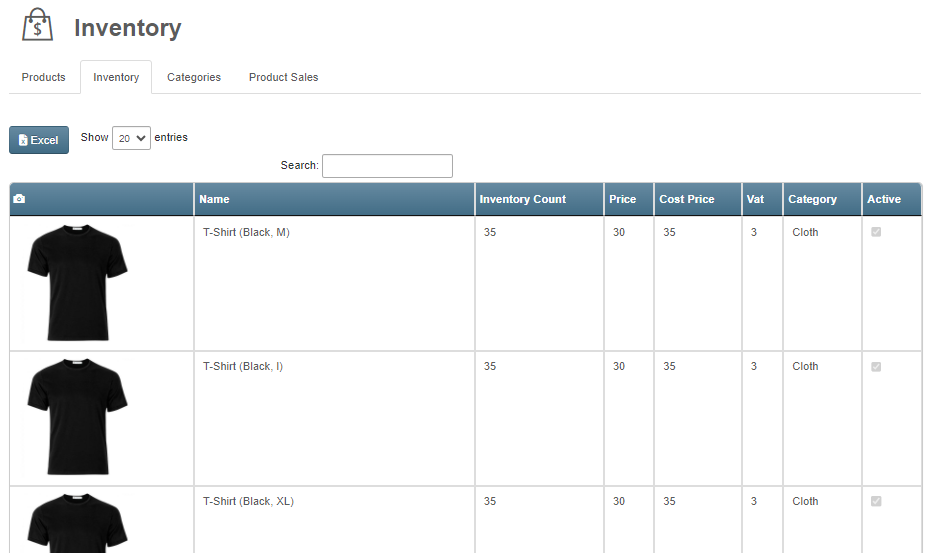
- You can check stock of products for every variants.
- You can export excel and get all details for each variant.
Low Stock Notification
- Owners will get notification for low stock.
- Owners can set limits for stock/inventory.
- You will find a new field on the edit product page.

- Low stock—will check on every purchase and send notification.
- Owners will get low stock notifications on a daily basis.
Products Shop
- Any person can buy product without login.
- User can filter products by category.
- User can check product details.
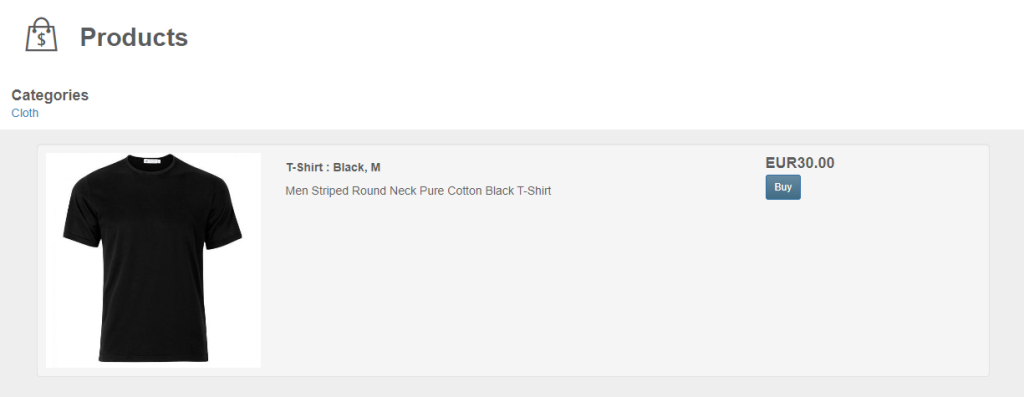
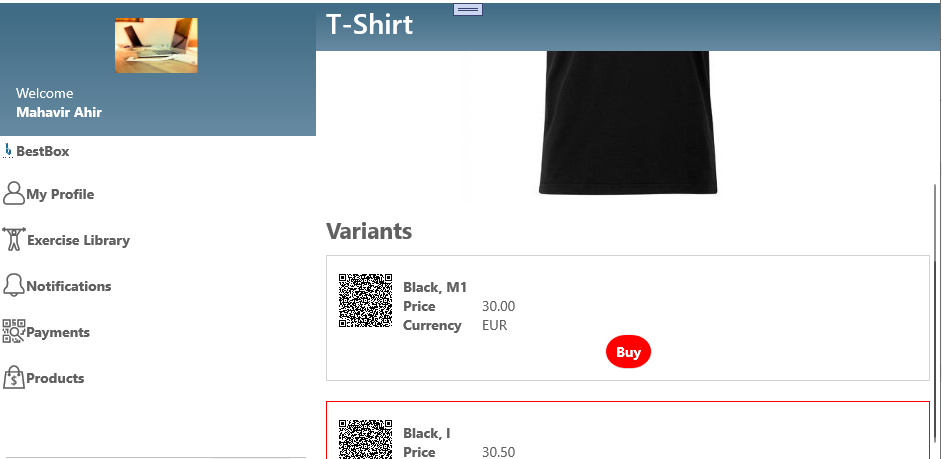
- User can buy product directly using stripe or using SEPA mandate.
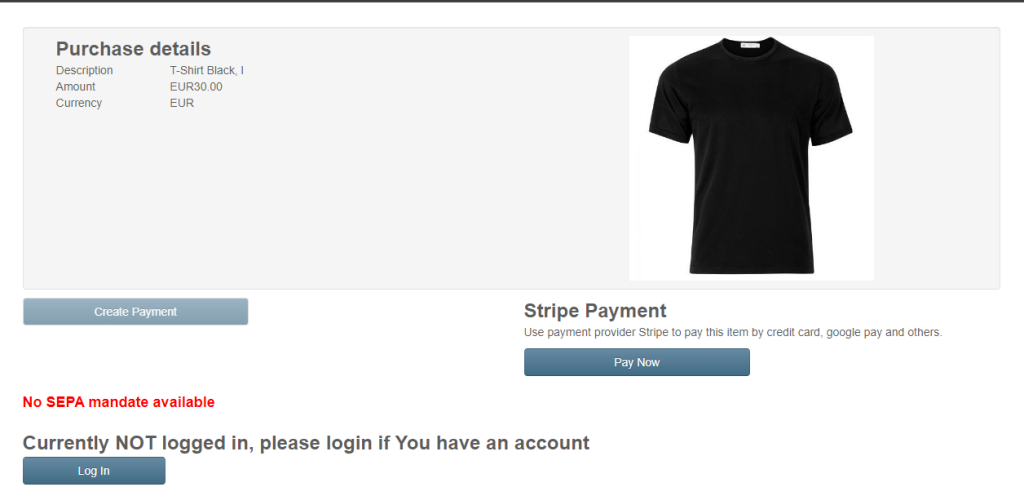
How do I start?
- Sign up for Product Management on boxplanner
- Refresh Page
- Import existing catalogue or manually create products
- Optional Set-Up Stripe to allow other means of online payment
- Only Public products will show so don't forgot to set 'Is Public' true for products
How to setup Products Shop
- You can integrate the Products Shop into your website as simple iFrame.
- You will find link for integration in Products page.
- https://www.box-planner.com/App#/Products
Image Gallery
Overview of all products in the system.
Mobile view of the product list.
Editing product details and visibility.
Setting up product variants.
Editing a product on mobile.
Mobile product settings.
Managing inventory levels.
Configuring low stock notifications.
The public-facing product shop.
The shop view on mobile devices.
Details of a product purchase.