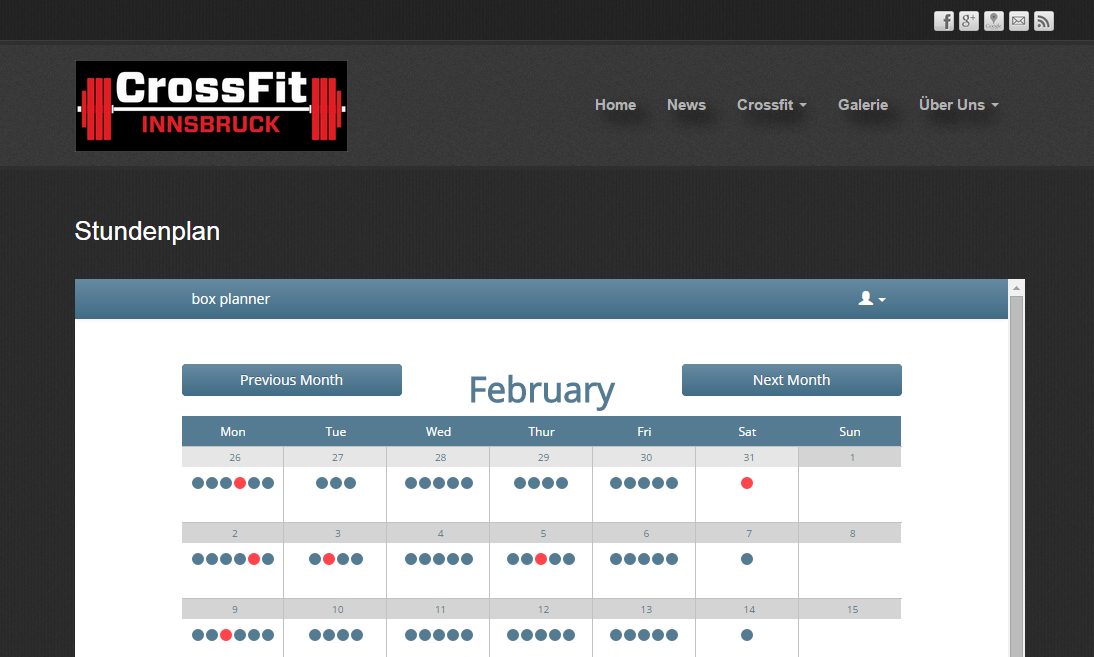
Schedule Calendar Integration
Overview
The blog post explains how to integrate Box Planner's scheduling calendar into an external website using an IFRAME tag.
Key Points
Users can locate an HTML snippet within the web application to embed the scheduling calendar. The snippet appears in two locations:
- Below the scheduling calendar
- Below the scheduling settings
Integration Instructions
"You can easily integrate the scheduling calendar into your own website" by obtaining the HTML snippet provided in the app. The IFRAME code snippet customizes to each user's specific needs, including the correct box ID for reference.
The post cautions users to utilize the URL generated within their specific account rather than using example URLs, as each installation requires unique identifiers to function properly.
Implementation
This straightforward tutorial assists Box Planner users in embedding their custom scheduling calendar into external websites for broader accessibility.